
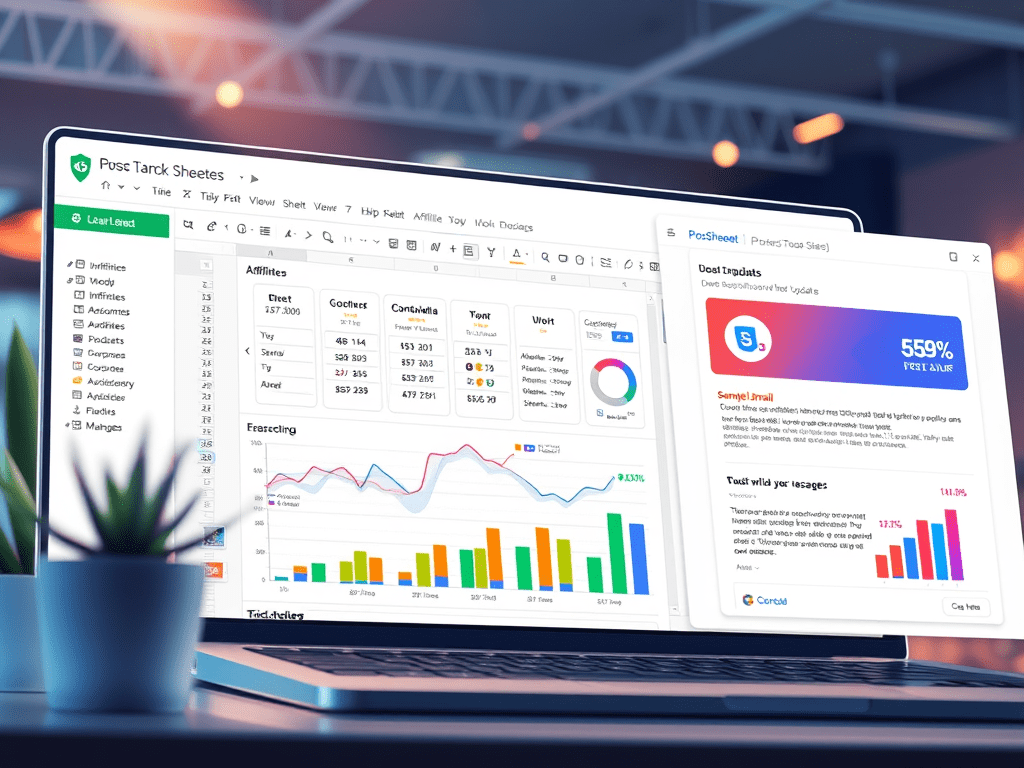
Your affiliates and partners are an extension of your brand — but they can’t promote what they don’t know about.
Whether it’s:
📦 A new product drop
🎯 Updated commissions
📈 Leaderboards or performance recaps
🧾 New resources or creative assets
You need a simple way to deliver personalized, up-to-date information — without manually emailing everyone one by one.
With Google Sheets + PostSheet, you can send targeted, dynamic updates to affiliates and partners in minutes — filtered by performance, tier, region, or campaign.
Let’s show you how.
🤝 Why Better Partner Updates Drive Better Results
Your affiliate or partner program thrives when people:
✅ Know what’s new
✅ Have the right links + materials
✅ Understand how they’re performing
✅ Feel supported and included
Generic mass updates? They don’t cut it.
PostSheet helps you keep things personal, timely, and professional — at scale.
📋 Step 1: Build Your Affiliate/Partner Tracker in Google Sheets
Start with a sheet that includes who they are and what they should know.
| Name | Partner Type | Tier | Region | Latest Promo | Performance Summary | Custom Note | Resource Link | |
| Jamie Wong | jamie@email.com | Affiliate | Gold | US | Q2 Campaign | 12 referrals, 3 sales | Close to hitting bonus! | link.com/affiliate-jamie |
| Alex Rivera | alex@email.com | Reseller | Silver | EMEA | Product Bundle 2 | $8K MRR closed | New lead form just went live | link.com/tools-alex |
Optional columns: commission rate, link to dashboard, next bonus milestone
✉️ Step 2: Write a Dynamic Update Template in PostSheet
Here’s a friendly and informative message that works across partner types:
css
Copy
Subject: Your {{Partner Type}} update – {{Latest Promo}} 🚀
Hi {{Name}},
Just wanted to share your latest update as a valued **{{Partner Type}}** in the {{Region}} region.
🎯 Promo Focus: {{Latest Promo}}
📊 Performance: {{Performance Summary}}
📁 Resource link: {{Resource Link}}
{{#Custom Note}}
P.S. {{Custom Note}}
{{/Custom Note}}
Let us know if there’s anything you need — we’re here to help you keep crushing it!
– [Your Partner/Programs Team]
You can easily swap in different versions of the message based on Partner Type or Tier.
🚀 Step 3: Send Targeted Partner Updates with PostSheet
Here’s how to execute your update campaign:
- Filter your sheet by Tier, Region, or Partner Type
- Connect your spreadsheet to PostSheet
- Map merge fields like {{Latest Promo}}, {{Performance Summary}}, and {{Resource Link}}
- Preview for tone, accuracy, and clarity
- Send immediately or schedule (e.g. monthly, weekly, campaign-based)
Optional: tag updates with “Sent” or “Last Update Sent” in your sheet for tracking.
🔁 Bonus: Automate Regular Update Loops
Use this setup to send:
- 🎯 Weekly or monthly leaderboards
- 💰 Commission summaries + payout alerts
- 📦 New product drops or bundle info
- 🧠 Partner enablement guides
- 📢 Co-marketing opportunities
PostSheet is flexible — send different messages to 10, 100, or 1,000 partners in minutes.
🧠 Use Cases for Affiliate/Partner Updates
- 💻 SaaS affiliate programs
- 📦 Ecommerce influencer campaigns
- 🧾 Reseller or VAR enablement
- 🧑🏫 Course or cohort referral programs
- 🎓 Education or nonprofit partnerships
- 🧑💻 API/platform integrations
Wherever there’s collaboration — PostSheet helps you communicate clearly.
✅ Why PostSheet Works So Well for Partner Updates
| Problem | PostSheet Solution |
| Different messages for different tiers | ✅ Merge fields + filters by Tier |
| Hard to scale personal communication | ✅ Personalized emails from a spreadsheet |
| Forgetting to follow up | ✅ Schedule and track in one place |
| Poor adoption of new offers | ✅ Send targeted, relevant updates |
| Juggling tools and messages | ✅ One sheet, one workflow, done |
It’s like a partner portal — minus the login headaches.
💬 Final Thoughts: Keep Your Partners Informed (and Inspired)
Your affiliates and partners want to win — they just need the tools and info to do it.
With PostSheet, you can deliver professional, timely updates that make them feel like a true part of your team.
Try it free →

