
We have just launched our latest feature, Excel Campaign Upload, which is now available for everyone. This feature has been heavily requested by our user base and now should enable our users the ability to upload Excel files into campaigns.
All campaigns moving forward will have multiple options of data sources: Google Sheets, Excel, and Airtable.
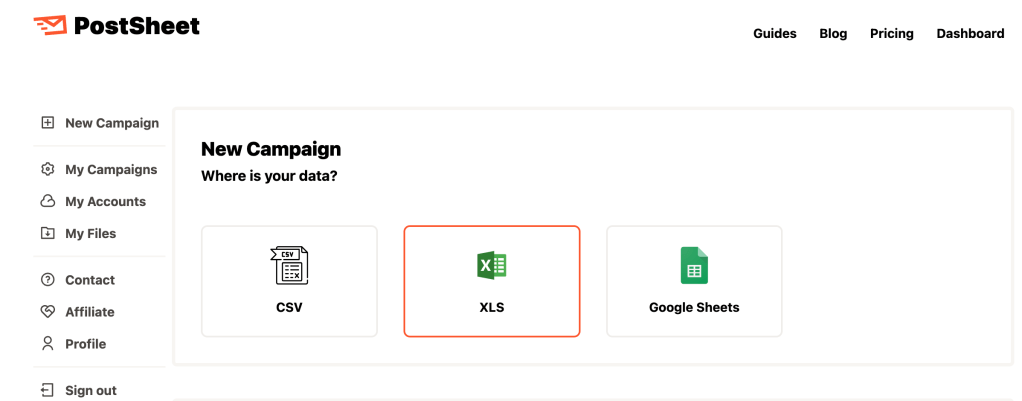
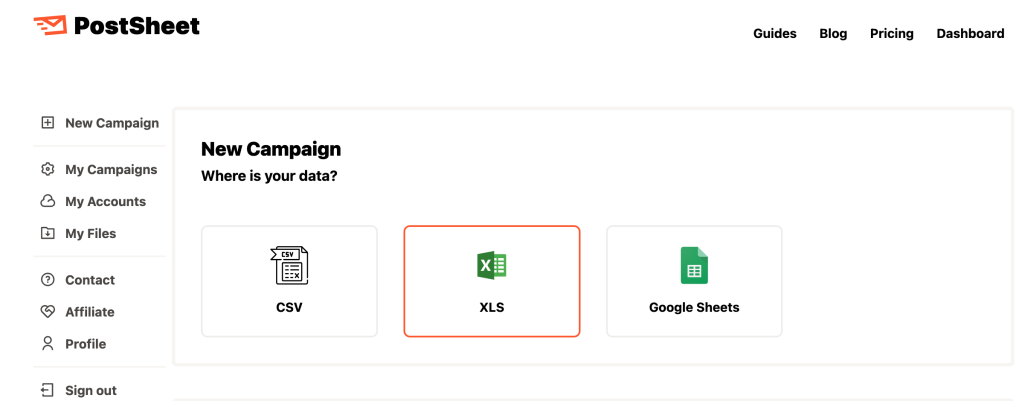
To navigate to ‘Excel Campaign Upload’, please use the navigation bar on the left-hand side of the screen. Select ‘New Campaign’ and then select ‘XLS’ under ‘New Campaign’ and ‘Where is your data?’.
On the next screen simply select ‘Upload’ and find the specific Excel file to use. Once the file is selected, follow the typical steps to create your message.
Start sending HERE.

