
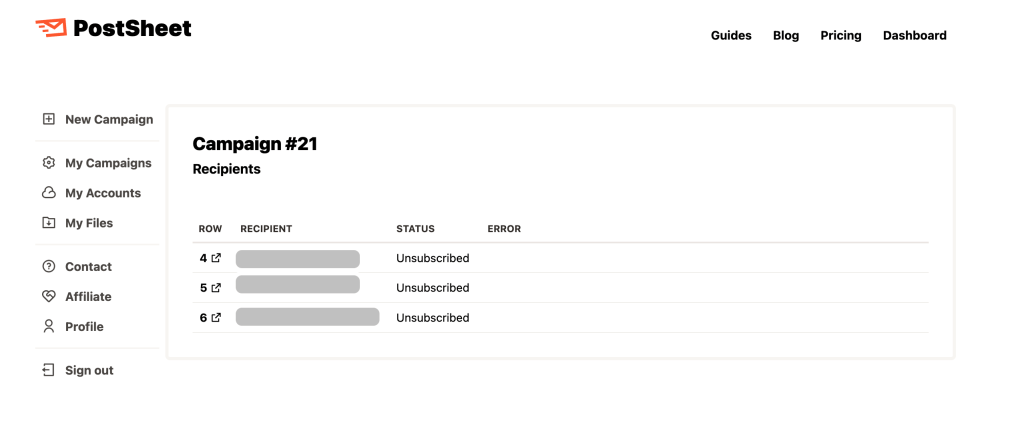
We have just launched our latest feature, Unsubscribe Ability, which is now available for everyone. This feature has been heavily requested by our user base and now should enable our users the ability to see how well many users opt-out from receiving future emails.
All emails moving forward will have the opt out link automatically enabled so there is nothing that needs to be manually changed.
At the bottom of every message, users will see the following: “If you’d like me to stop sending you emails, please click here”
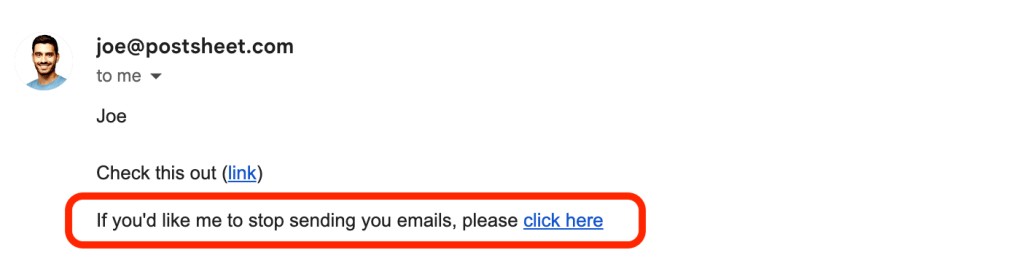
Once the link is clicked, users will receive the following message: “You are now successfully unsubscribed.”
Now that specific user won’t be able to be sent any further messages.
To navigate to ‘Unsubscribed’, please use the navigation bar on the left-hand side of the screen. Select ‘My Campaigns’ and then select the specific campaign which should be ‘Campaign #20’ for example.
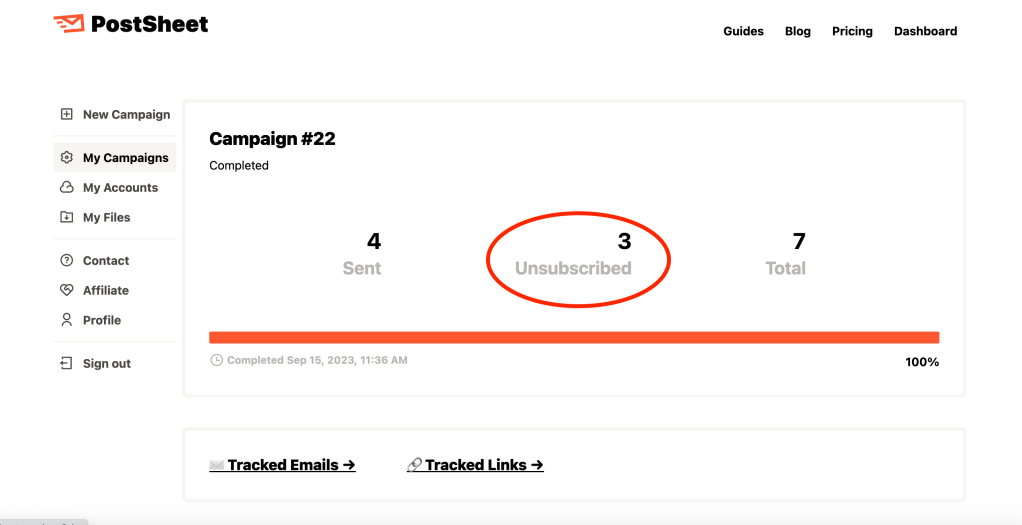
Once at the Campaign Overview page, there should be a middle column ‘Unsubscribed’ – select that column to see the actual users who have opted out of future campaigns.
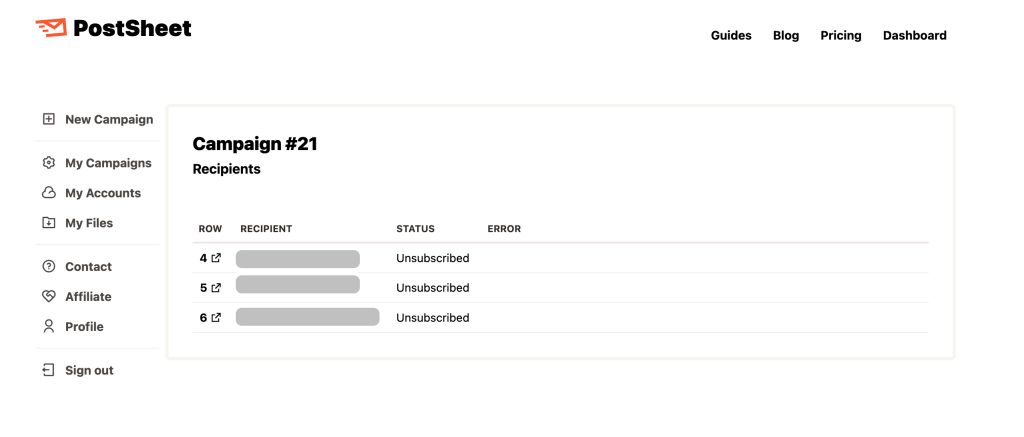
This will help with spam protection, email deliverability, domain reputation, and overall domain health.
Start sending HERE.
 postsheetblog.com