
Free trials are a great way to drive product adoption — but what happens after the trial ends?
If you don’t follow up thoughtfully, most users disappear.
But a timely, relevant reminder with a clear next step? That can turn a free user into a paying customer.
With Google Sheets + PostSheet, you can send automated, personalized trial ending reminders that feel helpful, not pushy — and drive conversions without needing a full CRM or marketing suite.
Let’s walk through how to do it.
🧪 Why Free Trial Reminders Matter
Free trial users are already interested — they just need:
✅ A helpful nudge
✅ A clear upgrade path
✅ A reminder before access disappears
✅ A message that feels human
That’s where PostSheet shines — scaling these messages while still making them feel personal.
📋 Step 1: Build Your Trial Tracker in Google Sheets
Export or track active trial users in a sheet with key details:
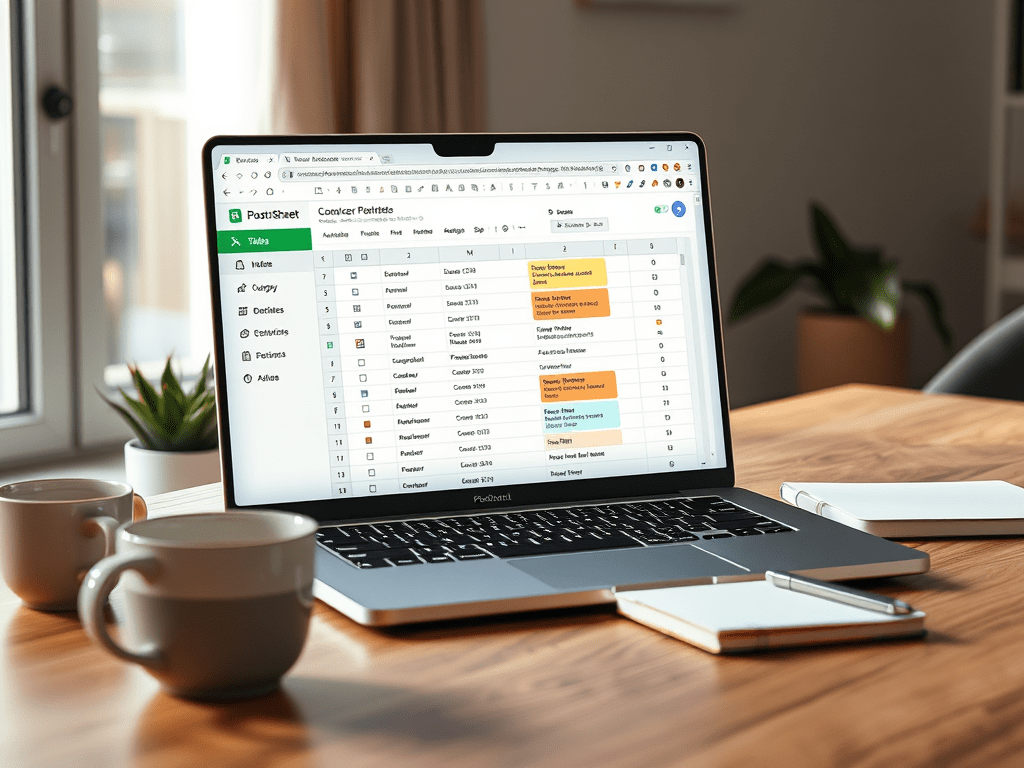
| Name | Plan Name | Signup Date | Trial End Date | Usage Summary | Custom Upgrade CTA | Upgrade Link | |
| Jamie Wong | jamie@email.com | Pro Trial | 2025-04-20 | 2025-05-05 | Used dashboard + reports | Book a demo | link.com/upgrade-jamie |
| Alex Rivera | alex@email.com | Growth Trial | 2025-04-18 | 2025-05-03 | Created 3 email templates | Start your subscription | link.com/upgrade-alex |
Optional columns: trial status, lead score, assigned CSM, team size
✉️ Step 2: Create a Trial Ending Reminder Template in PostSheet
You’ll want to keep it clear, friendly, and helpful — not salesy.
Here’s a starting point:
css
Copy
Subject: Your {{Plan Name}} trial ends {{Trial End Date}} 🚨
Hi {{Name}},
Just a quick heads-up — your **{{Plan Name}}** trial is ending on **{{Trial End Date}}**.
Here’s what you’ve explored so far:
{{Usage Summary}}
{{#Custom Upgrade CTA}}
👉 Next step: {{Custom Upgrade CTA}}
🔗 {{Upgrade Link}}
{{/Custom Upgrade CTA}}
If you have any questions, we’re happy to help — or schedule a quick call if that’s easier.
Thanks again for trying us out!
– [Your Team]
You can adjust tone or CTA based on usage or segment.
🚀 Step 3: Send or Schedule Trial Reminders with PostSheet
Once your sheet is ready:
- Filter by Trial End Date = today or next 3 days
- Connect to PostSheet
- Map your fields: {{Plan Name}}, {{Trial End Date}}, {{Upgrade Link}}, etc.
- Preview — make tweaks for key accounts or top users
- Send or schedule — and mark “Reminder Sent” in your sheet
Bonus: add a follow-up row for users who didn’t convert after 3–5 days.
🔁 Bonus: Add a “Trial Ending Soon” + “Trial Ended” Sequence
Break your reminders into stages:
- 3 days before end: “Here’s what you’ve done + what you’d unlock”
- On trial end day: “Access is ending today — here’s how to keep going”
- 3 days after: “We saved your data — come back anytime” or “Still interested?”
Just filter your sheet by Trial End Date logic and adjust the message accordingly.
🧠 Great Use Cases for Trial Reminders
- 🧑💻 SaaS free trials (7, 14, 30 days)
- 🛠️ Product-led growth onboarding
- 📚 Course or membership access windows
- 🧾 Account demo periods for agencies or tools
- 🧑🏫 Internal pilot programs or beta testers
If the clock is ticking — PostSheet helps you deliver the right message at the right time.
✅ Why PostSheet Is Perfect for Trial Reminder Campaigns
| Challenge | PostSheet Solution |
| Forgetting to follow up with trials | ✅ Filter by Trial End Date |
| Generic emails that don’t convert | ✅ Personalize by usage & CTA |
| Too many users for manual follow-up | ✅ Bulk-send with personal touches |
| Need multiple versions of the message | ✅ Easy to run multi-stage sequences |
| Limited email tools in product stack | ✅ Just Sheets + PostSheet — that’s it |
You get structure, personalization, and flexibility — no new tools required.
💬 Final Thoughts: Don’t Let Great Leads Slip Away
Your trial users are already interested.
With PostSheet, you can help them take the next step — clearly, thoughtfully, and right on time.
Try it free →
Start your trial conversion campaign with PostSheet
 postsheetblog.com