
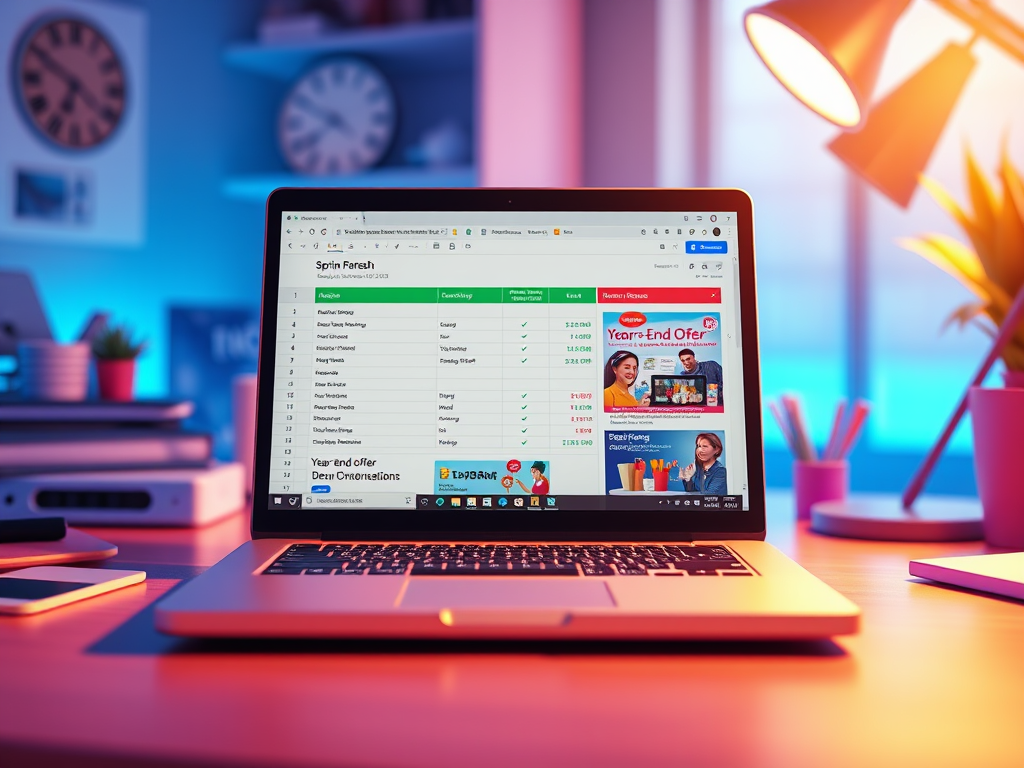
The calendar never stops moving — and neither do your marketing opportunities.
From New Year’s to Back-to-School, Black Friday to B2B Q4 pushes, seasonal campaigns are a goldmine for engagement. But creating brand-new emails and documents for every single campaign? That’s not scalable.
With Google Sheets + PostSheet, you can run seasonal outreach at scale — using smart templates that adapt automatically. One template, many campaigns. Zero stress.
Let’s dive into how to do it.
Why Seasonal Campaigns Matter
🧠 People are more likely to act when there’s urgency, relevance, or rhythm.
A seasonal campaign gives you:
✅ A natural reason to reach out
✅ Higher open and engagement rates
✅ A built-in theme for messaging
✅ Opportunities for limited-time offers or updates
You just need a way to personalize them — without reinventing your whole email setup.
The PostSheet Approach: One Template, Multiple Seasons
You don’t need to write new copy for every holiday or campaign. You need smart templates that pull in the right seasonal details from your spreadsheet.
📋 Here’s what that looks like:
| Name | Campaign | Discount | Theme Phrase | CTA Text | URL | |
| Alex Rivera | alex@email.com | Spring Refresh | 15% | Freshen up your tools | Shop Spring Deals | link.com/spring-offer |
| Jamie Wong | jamie@email.com | Year-End Offer | 25% | Finish strong | Get Your Year-End Bonus | link.com/year-end-deal |
Write One Template That Flexes with Each Season
Email example:
css
Copy
Subject: {{Campaign}} – {{Discount}} off for a limited time 🌟
Hi {{Name}},
It’s time to {{Theme Phrase}} — and we’re here to help.
We’re offering {{Discount}} off as part of our {{Campaign}}.
Click below to check it out:
👉 {{CTA Text}}: {{URL}}
This offer only lasts a few days, so don’t wait!
– [Your Team]
That’s it. One flexible message. Multiple seasonal spins.
You can update your sheet every few weeks and run a new campaign without ever touching the template again.
Best Types of Seasonal Campaigns
🛍️ Ecommerce
- Spring Sales
- Summer Essentials
- Black Friday
- Holiday Gift Guides
- New Year, New Gear
💼 B2B / SaaS
- Q4 end-of-year offers
- Tax season support
- “Back to Work” in September
- Planning season (October–December)
- Event or conference tie-ins
🎓 Education / Training
- Back-to-School
- Midterm / Final Check-ins
- Summer Courses Open
- New Semester Kickoff
💌 Community or Nonprofits
- Giving Tuesday
- Year-End Giving
- Volunteer Thank-Yous
- Awareness Month Campaigns
Tips for Smarter Seasonal Campaigns with PostSheet
✅ Add a “Send Date” column — then filter and schedule
✅ Use emojis sparingly — 🌸🌞🎃🎄 add flavor but keep it readable
✅ Test subject lines with a simple A/B variant column
✅ Don’t overthink it — just refresh the message with timely context
✅ Pair with a personalized PDF — like a gift card, invitation, or donation receipt
Bonus: Automate Your Seasonal Calendar
Here’s a 3-month campaign plan you could build in minutes:
| Month | Campaign | Offer | Target Group |
| April | Spring Kickoff | 15% off | New customers |
| May | Teacher Appreciation | Free add-on | Education partners |
| June | Q2 Wrap-Up | Limited offer | Active subscribers |
Keep it in a sheet, plug it into PostSheet, and schedule ahead — now you’re running campaigns like a marketing team of 10.
Final Thoughts: Seasonal Campaigns, Simplified
Your calendar is full of opportunities. But your inbox shouldn’t be full of duplicated templates and last-minute messages.
With PostSheet, you can launch timely, personalized campaigns that feel fresh — without creating more work.
One sheet. One smart template. Unlimited seasons.
Ready to plan your next seasonal push?
Start your first campaign with PostSheet →
 postsheetblog.com