
If you work at a nonprofit, you know how critical donor relationships are.
You also know how tedious it can be to send donation receipts manually — especially when you’re juggling fundraising campaigns, donor outreach, and compliance.
With Google Sheets + PostSheet, you can automate the entire process of creating and emailing donation receipts — personalized, accurate, and professional — without hours of admin work.
Let’s walk through how to do it.
Why Automate Donation Receipts?
Because doing them manually:
- Takes time
- Is prone to typos or formatting errors
- Can cause delays that frustrate donors
- Makes compliance harder to track
Automated receipts help you:
✅ Acknowledge every donation promptly
✅ Keep records tidy for audits or tax season
✅ Look polished and professional
✅ Free up staff time to focus on fundraising
Plus, they help build trust — donors feel seen and appreciated.
Step 1: Log Donations in a Google Sheet
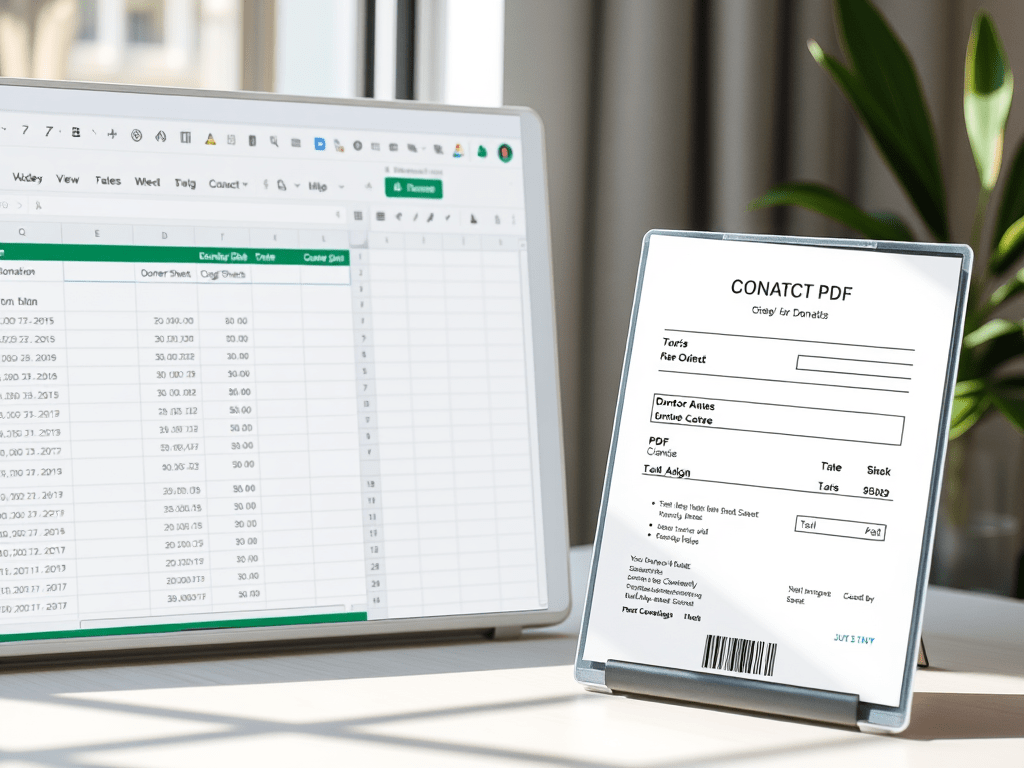
Start with a donation tracker spreadsheet.
| Donor Name | Amount | Date | Donation ID | Campaign | |
| Jamie Lee | jamie@email.com | $100 | 2025-03-28 | DNT10023 | Spring Fundraiser |
| Carlos Rivera | carlos@email.com | $250 | 2025-03-29 | DNT10024 | Scholarship Fund |
This data might come from your donation platform, a form, or manual entry.
Make sure you have the key info you want to include in the receipt (name, amount, date, ID, etc.).
Step 2: Create Your Donation Receipt Template in PostSheet
In PostSheet, build a PDF receipt or email message with dynamic fields.
Here’s an example for a PDF:
Donation Receipt
Thank you, {{Donor Name}}, for your generous contribution of ${{Amount}} to our organization on {{Date}}.
Donation ID: {{Donation ID}}
Campaign: {{Campaign}}
This receipt serves as confirmation for tax purposes. No goods or services were provided in exchange for this donation.
We appreciate your support!
[Your Nonprofit Name]
[Address / EIN]
[Contact Info]
You can brand it with your logo, mission statement, or a signature from your director.
Step 3: Connect the Sheet and Generate Receipts
Once your template is ready:
- Start a new PostSheet campaign
- Choose your donation spreadsheet as the source
- Map each field to the right placeholder ({{Donor Name}}, {{Amount}}, etc.)
- Preview a few receipts to ensure everything looks good
- Send the receipts as emails with the PDF attached, or download them in bulk for mailing
You can also include a personalized email message:
csharp
Copy
Subject: Thank You for Your Donation, {{Donor Name}}
Hi {{Donor Name}},
Attached is your donation receipt for your contribution of ${{Amount}} on {{Date}}. We’re deeply grateful for your support of the {{Campaign}}.
Together, we’re making a difference.
Warm regards,
[Your Name]
[Your Nonprofit]
Bonus: Automate New Receipts Going Forward
You can schedule receipt campaigns weekly or connect your donation form (via Zapier or Google Forms) to automatically update your sheet — triggering receipts in near real time.
Why This Works So Well for Nonprofits
- 🧾 Accurate and audit-ready records
- 📬 Timely, professional communication with donors
- 💖 Personalized thank you messages that show care
- ⏱️ Less manual admin work = more time for outreach
- 📊 Easy export and tracking for reports or board updates
Whether you’re a solo fundraiser or part of a growing team, this workflow saves time and scales as you grow.
Tips for Success
- 💼 Include your organization’s EIN for tax documentation
- 🖨️ Offer printable receipts if your donor base prefers mail
- 🔁 Send quarterly summaries for recurring donors
- 📥 Log all sends in a “Receipt Sent” column for tracking
- 🎯 Use tags like Campaign to segment follow-ups later
Final Thoughts: More Gratitude, Less Admin
Every donation matters. But so does every acknowledgment.
PostSheet makes it easy to send prompt, personalized donation receipts that make donors feel valued — while keeping your team compliant, organized, and focused on impact.
Try it out today →
Automate your donation receipts with PostSheet
 postsheetblog.com