
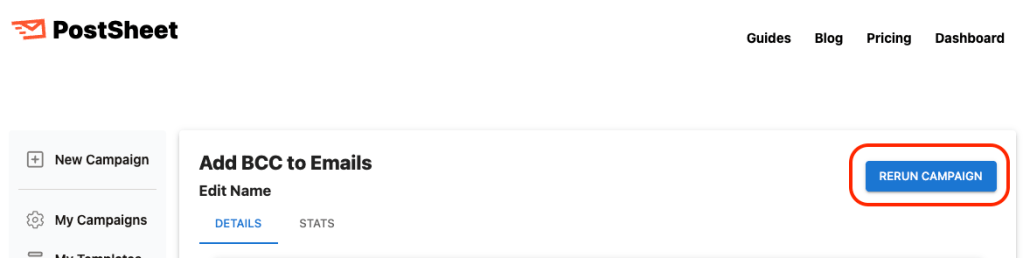
Introducing the ability to use Templates. Now users can save their created content and reuse it again in the future.
Why did we do this?
This was a highly requested feature and will improve the PostSheet experience to make messaging more easier.
How will this help you?
You can now make it easier to keep using previous successful messages with even fewer steps required.
How does this work?
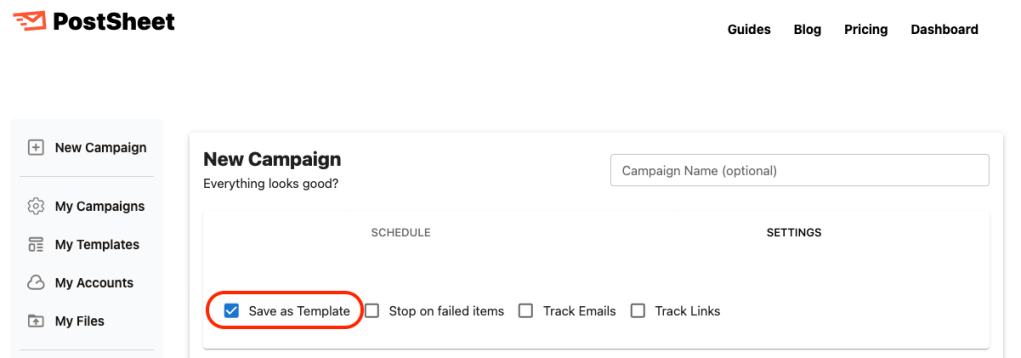
After you craft your message on the Preview page, under “Settings” there will be a checkbox labeled “Save as Template”. Once selected and the campaign begins, under “My Templates” this will then appear for future re-usage.
Key things to note:
- This checkbox is default OFF on all messages and needs to be selected to turn on this functionality.
- Users can also create this from “My Templates” alternatively.
Start sending HERE.
 postsheetblog.com