
Introducing the ability to Re-Run Campaigns. Now users can create a campaign and then re-run it again in the future.
Why did we do this?
This was a highly requested feature and will improve PostSheet to make it easier to use the content already created.
How will this help you?
You can now make it easier for you to send the same information to the same individuals without having to recreate the previous steps.
How does this work?
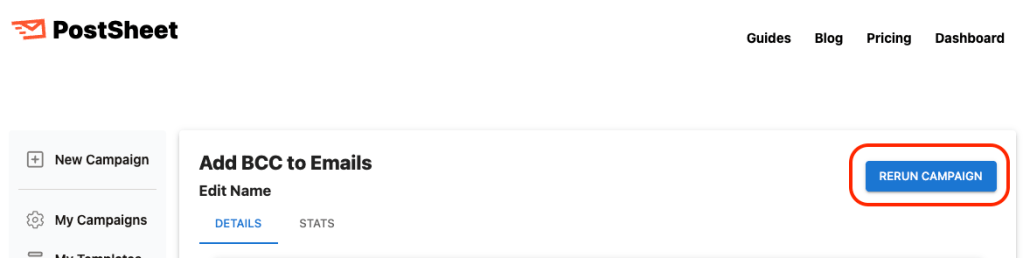
Go to “My Campaigns” select a previous run campaign, then click the blue button on the upper right-hand side “RERUN CAMPAIGN”.
Key things to note:
- Once the button is clicked, the campaign will immediately start running again.
- If selected accidentally, you can select “Cancel” or “Pause” as the campaign starts running.
- This will be the same content copy and to the same recipients.
Start sending HERE.
 postsheetblog.com