
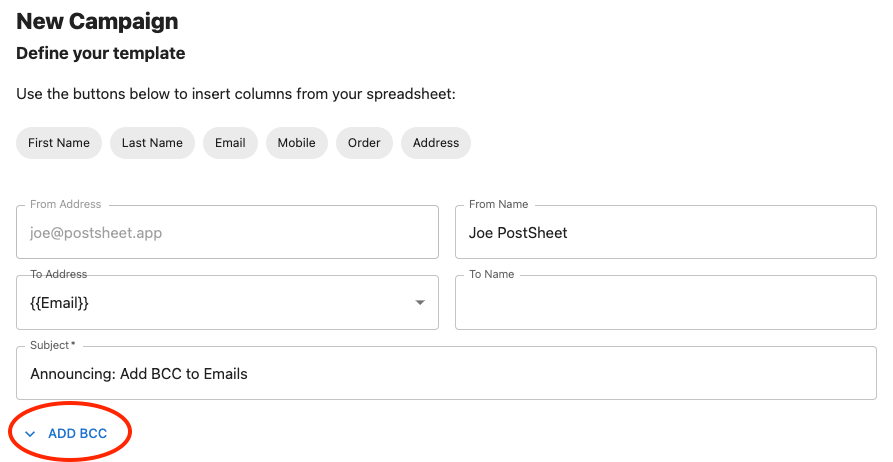
Introducing the ability to Add BCC to emails. Now users can create a campaign and attach a blind carbon copy to an email (BCC).
Why did we do this?
This was a highly requested feature and will improve PostSheet to take the next steps of providing more flexibility to emails.
How will this help you?
You can now make it easier for you to send more information to more individuals including the sender themselves.
How does this work?
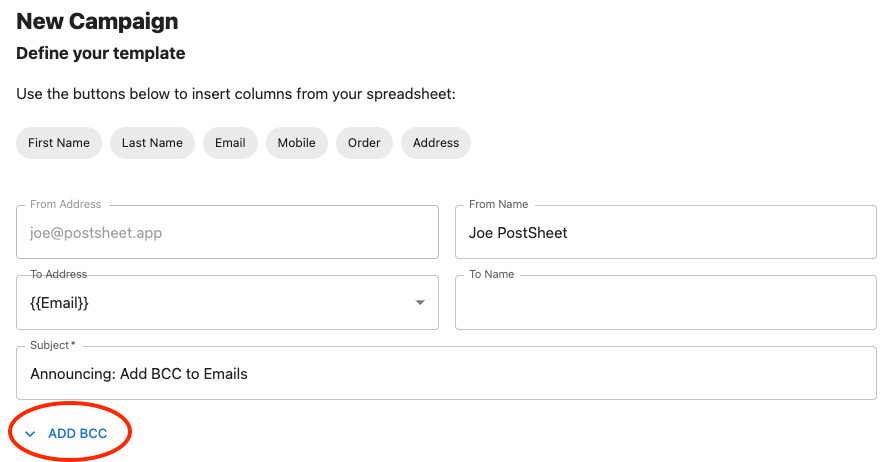
After you craft your message on the Composer page, there is a button “ADD BCC”. Once selected a new dialogue box will appear and users can select the specific column header that holds the BCC address.

Key things to note:
- The BCC has to be an email address.
- The BCC email address won’t be displayed in the email to the recipient.
Start sending HERE.
 postsheetblog.com