
Introducing the ability to Schedule Campaigns in the future. Now users can create a campaign and schedule it to be delivered at a future date.

Why did we do this?
This was a highly requested feature and will improve PostSheet to take the next steps of providing more flexibility and improving the ease of use.
How will this help you?
Now users can save time by scheduling a campaign and not have to create the campaign at the desired time of delivery.
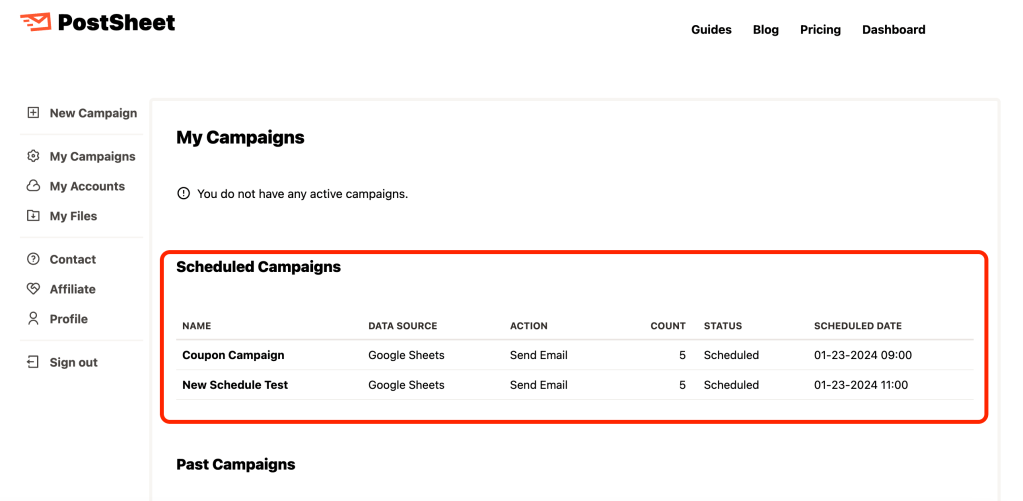
How does this work?
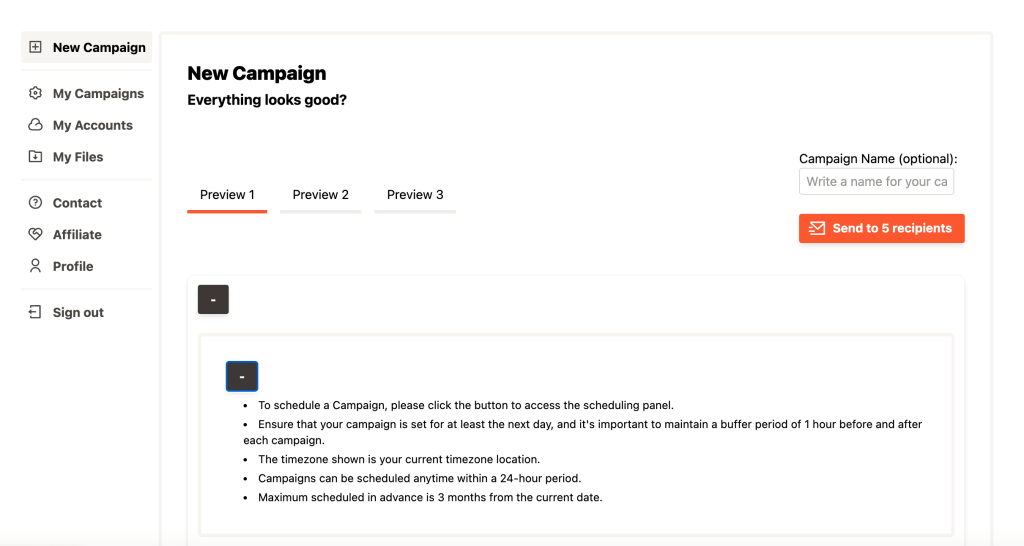
After you craft your message on the Preview page, there will be a button titled “Schedule”. Once clicked there will be a dialogue box where you can click and select the calendar date. In addition, you can select the exact time of the scheduled send.

Key things to note:
- Campaigns can be scheduled anytime within a 24-hour period
- Campaign slots have buffers of 1 hour period before and after each campaign
- Select either AM or PM
- The timezone that will be delivered is your local time zone
- Minutes are in 15-minute increments
- Campaigns have to be scheduled at least the next day in advanced
- Maximum scheduled in advance is 3 months from the current date
Start sending HERE.
 postsheetblog.com