
Introducing the ability to Edit Campaign Names. Now users can edit the name of their campaign before and after launching a campaign.
Why did we do this?
This was a highly requested feature and will improve PostSheet to take the next steps of providing more flexibility + user functionality.
How this will help you?
Now you can easily save campaigns by name and identify your success for future usage.
How does this work?
At the Preview page of a New Campaign, you can input a name for the campaign prior to sending it to any users on the right-hand side of the screen.

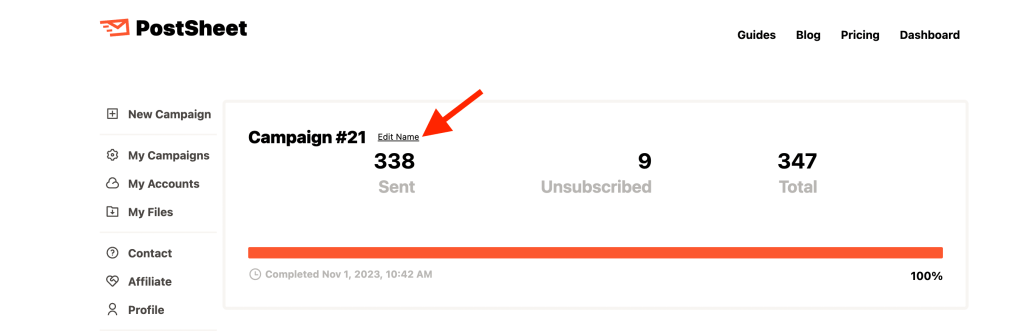
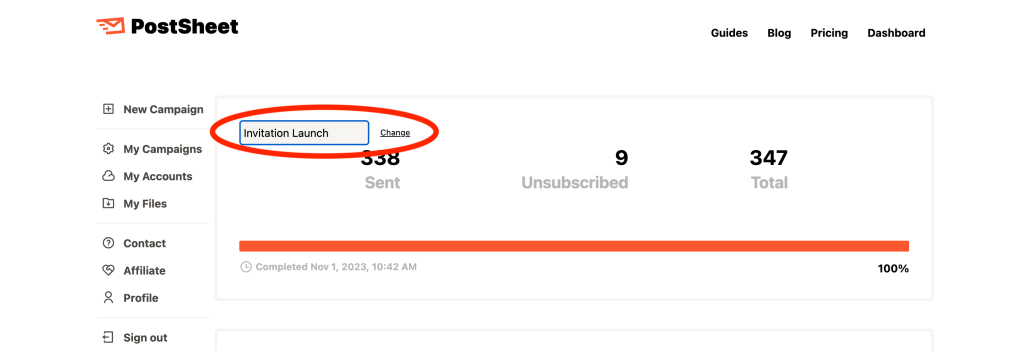
If you would like to edit the Campaign name after sending go to My Campaigns page, select the specific campaign, then select ‘Edit Name’ next to the default Campaign name. Once you input your desired Campaign name, click ‘Change’ and then your Campaign name will be saved.
Start sending HERE.
 postsheetblog.com