
We have just launched our latest feature, Link Open Tracking, which is now available for everyone. This feature has been heavily requested by our user base and now should enable our users the ability to see how well links placed in the email body text have been opened.
All emails moving forward will have link tracking automatically enabled so there is nothing that needs to be manually changed.

To navigate to ‘Link Tracking’, please use the navigation bar on the left-hand side of the screen. Select ‘My Campaigns’ and then find the ‘Link Tracking’ in the middle of the screen.

This column in the campaigns tab is titled “Link Tracking”. There will be a shown percentage of email recipients who have opened up the user’s link. The percentage scale is 0% – 100% with 0% being no recipient has opened up the link and 100% being every recipient has opened up the link.
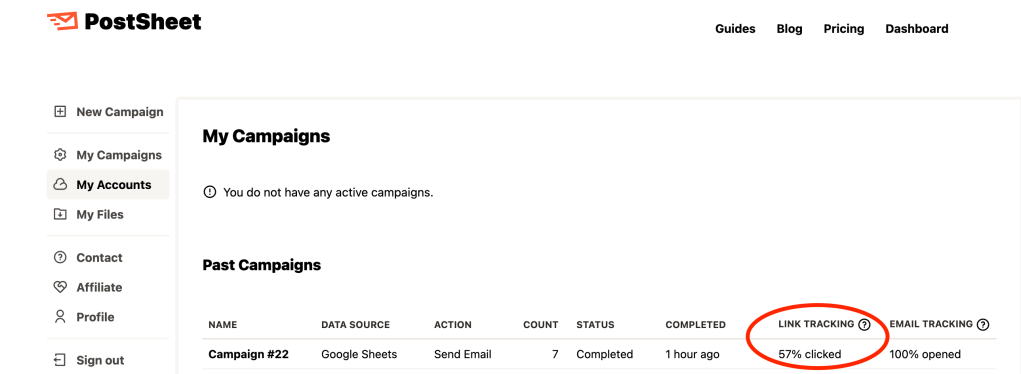
Key note: The first number represents the percentage of recipients that have clicked at least 1 link.
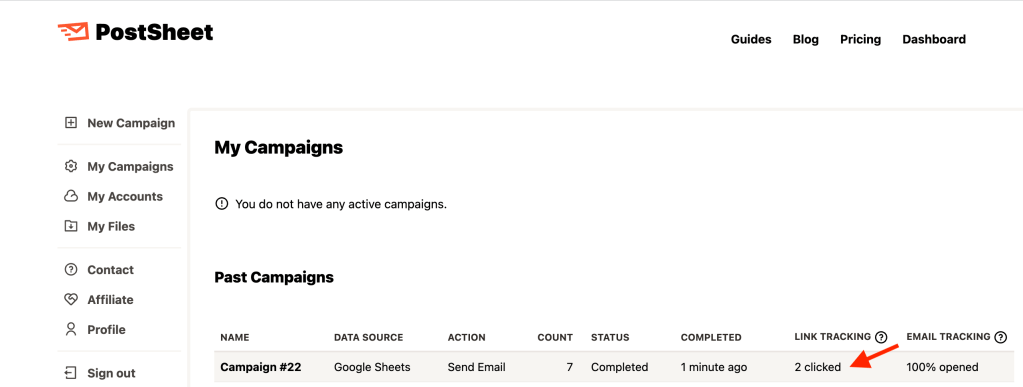
If users hover over the % opened for each campaign then the exact number of all recipients who opened the link will be shown. Simply remove the cursor from hovering and the % opened will be shown again.
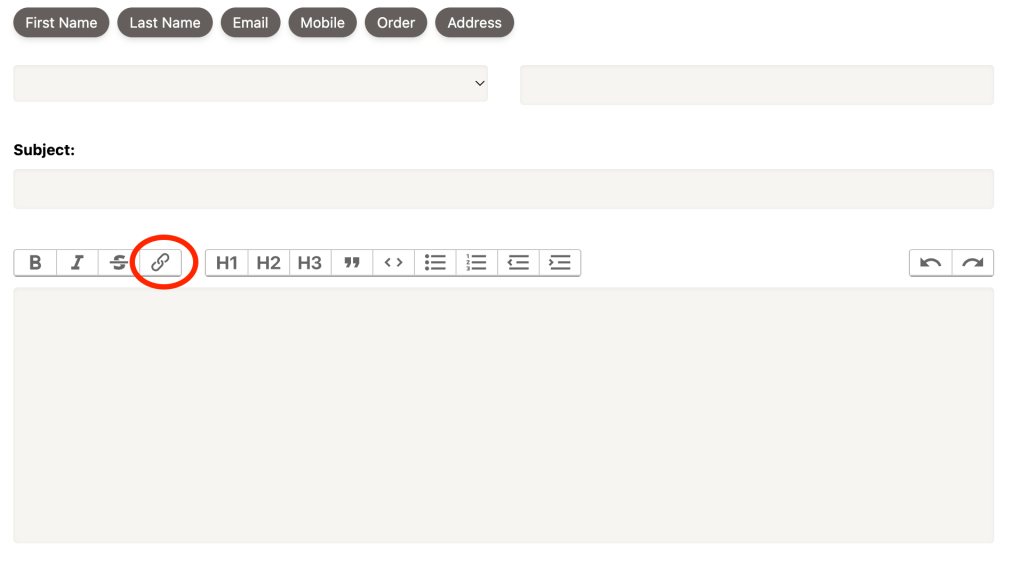
**Key Note** make sure you select the ‘Link’ after highlighting the text you are selecting to track link click opens in order to use this feature properly. Hyperlinking without selecting this button will not track link opens.
Start sending HERE.
 postsheetblog.com